Employee Scheduling & Team Availability Online
Staflow helps managers build employee schedules, collect team availability, and plan shifts without chaos. All in one place.
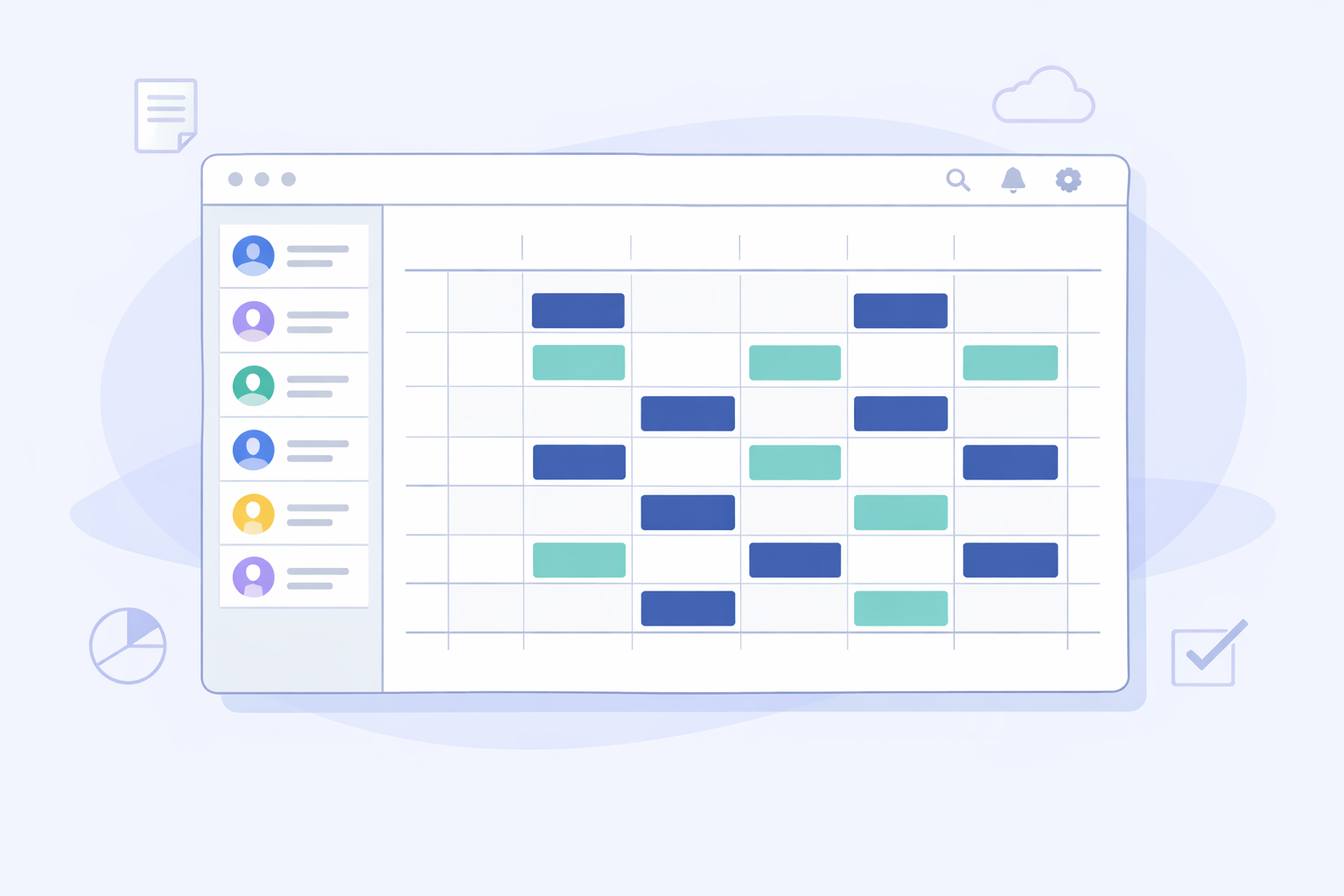
Scheduling that just works
No more spreadsheets, phone calls, or confusion about who's available when.
01
Availability Under Control
Employees submit their availability in seconds. Everything in one place.
02
Smart Scheduling
Easy schedule creation based on team availability.
03
Everything in One Place
PDF, Excel, calendars - no jumping between tools.
Features
Everything you need for efficient team scheduling.
Availability Forms
Easy submission of work availability.
Team Overview
See everyone's availability at a glance.
Shift Calendar
Interactive monthly calendar view.
PDF & Excel Export
Download schedules in any format.
Team Management
Organize your team efficiently.
Mobile Friendly
Access from any device, anywhere.
Built for Every Team
Whether you manage a small team or a large organization.
Retail
Hospitality
Healthcare
Services
Education
Logistics
Frequently Asked Questions
How do I create a work schedule online?
In Staflow you build a work schedule in a few steps: create an account, add your organization, invite employees, collect availability, and arrange the schedule in the calendar view. Export the finished schedule to PDF with one click, or share it for tracking in Google Calendar, Outlook, or Apple Calendar.
How do I collect employee availability?
Employees log into Staflow and fill in an availability form for the month, selecting available days and hours. Managers see all entries in one place in the team overview and can export them to PDF (two color variants available) or to Excel (.xlsx).
What are the export options in Staflow?
The work schedule can be exported to PDF (black and white) with one click from the calendar view. Employee availability can be exported to PDF (two color variants available) or to Excel (.xlsx) from the team overview.
Can I follow the schedule in Google Calendar, Outlook, or Apple Calendar?
Yes. Staflow lets you follow the schedule in any calendar app – Google Calendar, Outlook, or Apple Calendar. Simply subscribe to the calendar link and schedule updates will appear automatically among your events.
Does the app work on mobile?
Yes. Staflow works in a mobile browser and can be installed on the home screen as a PWA (Progressive Web App) on Android and iOS without any app store. Employees can submit availability directly from their smartphone.
Is Staflow free to use?
Yes, you can create an account and start using Staflow for free. No credit card required to sign up.
Does Staflow support passkeys and passwordless login?
Yes. Staflow supports passwordless login with passkeys, so you can sign in using Touch ID, Face ID, or a hardware security key (e.g. YubiKey) without typing a password. Additional MFA/2FA methods are also available: email codes, TOTP apps (e.g. Google Authenticator, Authy), and recovery codes. Staflow is also expanding organization-level account security controls to better protect scheduling and employee availability data.